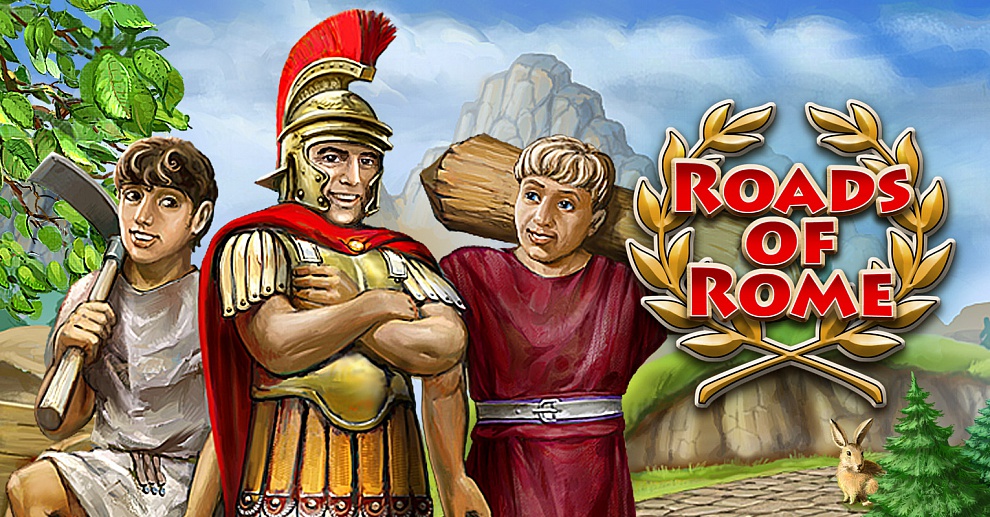
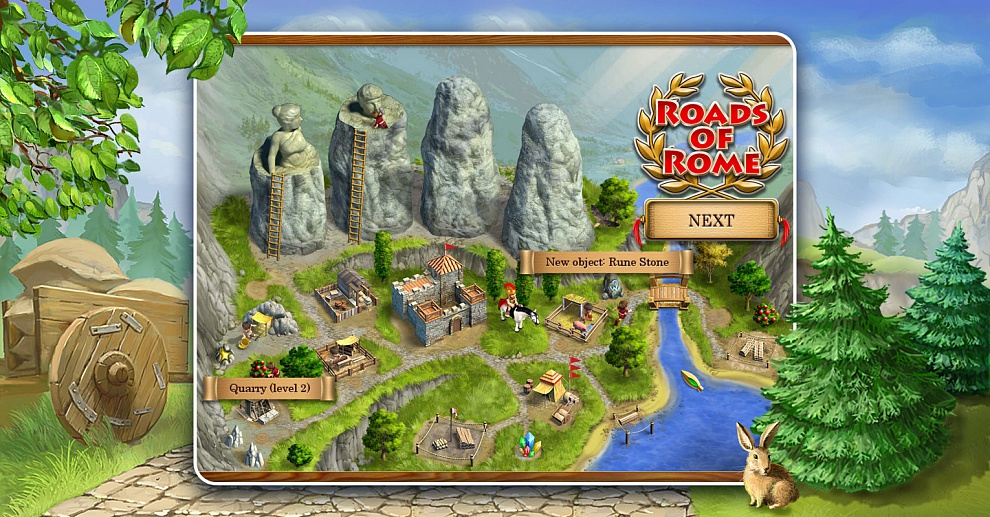
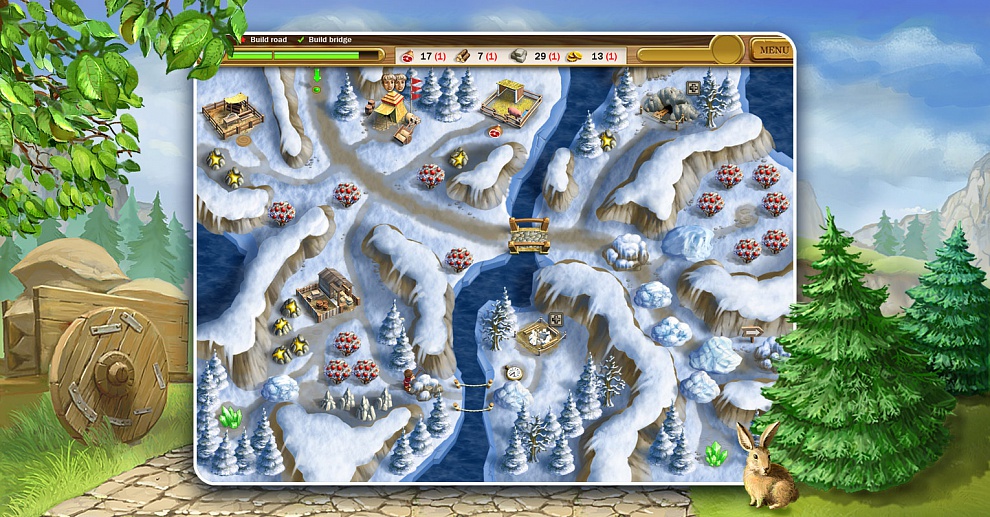
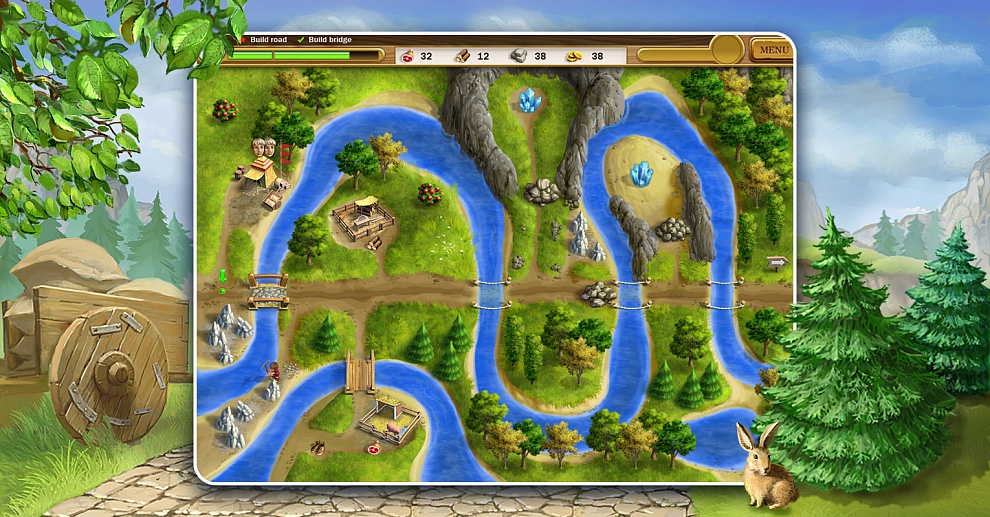
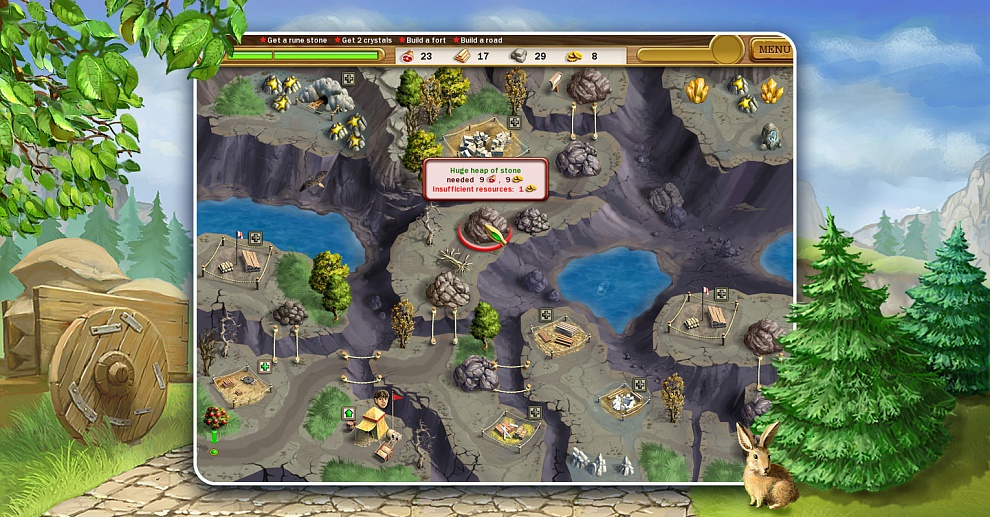
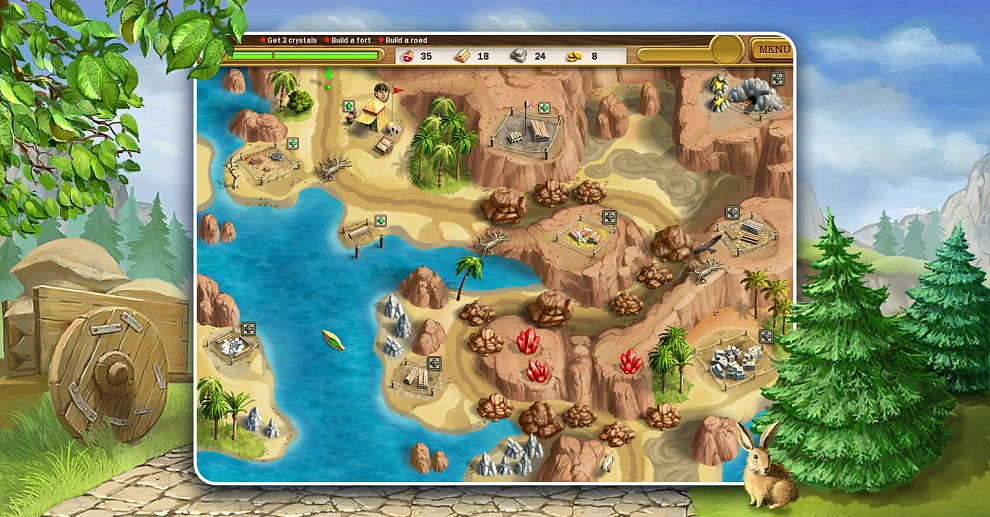
Realore presents the best strategy game - Roads of Rome HD, now optimized for iPad!
Follow the romantic love story, take up challenging tasks set by the wise and cunning Caesar, explore barbarian lands, win recognition and achieve success in Roads of Rome, the fascinating blend of casual strategy, SIM and time management features!
Victorius, a brave Roman general, falls in love with Caesar's daughter and wants to marry her. However, since Caesar has quite a different vision of his daughter's future, he sends Victorius miles away to build a wide net of roads across the barbarian lands, to found new towns, to expand Roman influence and power. Victorius has no choice, but to do his best and succeed, so that Caesar lets him marry his daughter.
Bring Roman spirit and culture to barbarians, build roads and prove that you are the best Roman legionary in the whole empire! Get ready and set out on your journey full of adventures right now!
Game Features:
- 40 fascinating levels
- beautiful graphics and animations
- romantic love story
- Build the roads to Rome!
The game doesn’t run after installation or shuts down during play.
To ensure optimal performance of the game, it is recommended that you restart your device after installing a new application. To restart your device, press and hold both Home and Power buttons for about 10 seconds until the device restarts.
I purchased the game but with recent Sync the game has vanished from my iPhone (or iPod touch). How can I restore it?
Start iTunes, go to iTunes Store, sign in with the same account you used to purchase the game. Find the game page in iTunes. Press “Buy”. If you purchased this game previously iTunes knows it and will offer you to re-download the game for free. Press “Yes”, download will start. Sync once the game is downloaded.
I want to listen to my own music during play on my iPhone.
You can do it in the following way:
- On the Home screen, locate and tap the icon “iPod”.
- Choose the preferable music track.
- Press the Home button.
- On the Home screen, tap on Realore’s game you would like to play.
I want to listen to my own music during play on my iPod Touch.
You can do it in the following way:
- On the Home screen, locate and tap the icon “Music”.
- Choose the preferable music track.
- Press the Home button.
- On the Home screen, tap on Realore’s game you would like to play.
I want to switch to another language in the game on my iPhone /iPod Touch but I don’t know how to do it.
You can do it in the following way:
- On the Home screen, locate and tap the icon with an image of a gear (“Settings”).
- The Settings screen will appear. In the menu at the bottom you will see a subsection with the settings of the apps installed on your device. Tap on Realore’s game which language you would like to change.
- On the right side select the option “Language”.
- On the next screen, select the language that you want the game to use. The option “Auto” is selected by default and makes the game use the system language set on your device.
I cannot download the game I purchased from my iPhone/iPod Touch. It keeps me waiting for a long, but without any result.
Sometimes it takes longer than usually for the game to be downloaded, so you need to wait for a while. You can also try to restart iTunes or reinstall the application using your PC. You can reinstall the application in the following way:
- Start iTunes.
- Go to iTunes Store.
- Sign in with the same account you used to purchase the game.
- Find the game page in iTunes, press “Buy”. If you purchased this game previously, iTunes knows it and will offer you to re-download the game for free.
- Press “Yes”, download will start.
- Sync once the game is downloaded.
In case you still cannot download the application, you need to contact Apple Support (http://www.apple.com/support/) as the problem is not likely caused by the application and should be forwarded to the App Store Support which is in charge of suchlike issues.
I cannot download the game I purchased from my PC. It keeps me waiting for a long, but without any result.
Sometimes it takes longer than usually for the game to be downloaded, so you need to wait for a while. You can also try to restart iTunes or reinstall the application using your PC. You can reinstall the application in the following way:
- Start iTunes.
- Go to iTunes Store.
- Sign in with the same account you used to purchase the game.
- Choose the option “Downloads”.
- Delete the current loading.
- Find the game page in iTunes, press “Buy”. If you purchased this game previously, iTunes knows it and will offer you to re-download the game for free.
- Press “Yes”, download will start.
- Sync once the game is downloaded.
In case you still cannot download the application, you need to contact Apple Support (http://www.apple.com/support/) as the problem is not likely caused by the application and should be forwarded to the App Store Support which is in charge of suchlike issues.
If the problem persists, contact us using the form on the support page.
Comments: 4
nanotek1975 12.02.13
i cant to reach to download the full version i dont know how
Jane Dickett-Goe 28.02.12
We have released the new updated version with all these bugs fixed. Please, check it :)
corey 29.01.12
Im using this game on my Iphone 4 and when i got to level 17 i had a probelm with the zoom when its over the crystal. I cant get the crystal to finish the level. please fix this. the game is great till you get to this point.
Katrina 06.11.11
I am using iPad one and this game is extremely frustrating. I keep getting bounced out of the game, sometimes in the middle of play and always when I complete a level. What's e reason?